
Documentation automation
Connect a GitHub account and repositories to your workspace, and get approval for organization repositories.
Specify uses GitHub repositories as the evidence for your docs. Once you connect a repository, the agent can read the code to generate docs and prepare later changes as proposed updates.
You can connect GitHub in two places.
- Connect GitHub in the Source step of Create document project: Choose the repositories that serve as evidence for document generation.
- Connect under Tools & skills → Connectors → GitHub: Lets the agent reference code, issues, and PRs in chat. See Connect connectors.
Connection flow
Start connecting GitHub
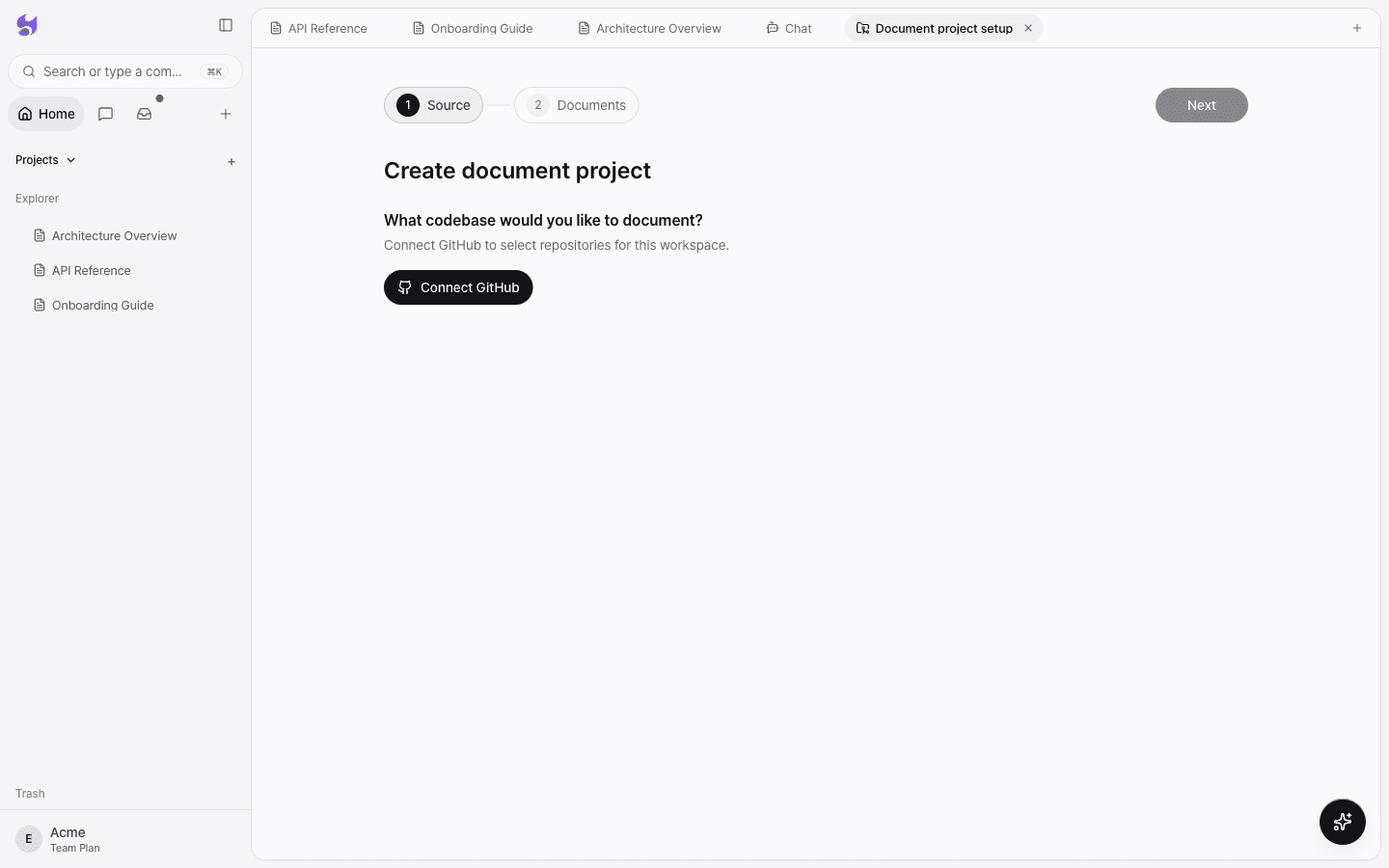
In the Source step of the create document project screen, select Connect GitHub. You need to connect GitHub before you can select repositories in this workspace.
Grant access on GitHub
On the GitHub screen, choose the account and repository scope Specify should read, then grant access.
Choose a repository and branch
Back in Specify, pick a GitHub account, search for the repository by name and select it, then choose a branch. If the list doesn't load, you can also enter it directly in
owner/repoformat.
Organization repositories
Organization repositories require approval from a GitHub organization admin.
- When you request a connection, GitHub sends an approval request to the organization admin.
- The organization admin approves the request on GitHub.
- Once it's approved, select Reconnect in Specify to finish.
While you wait for organization admin approval, that organization's repositories don't appear in the list.
Use GitHub in chat
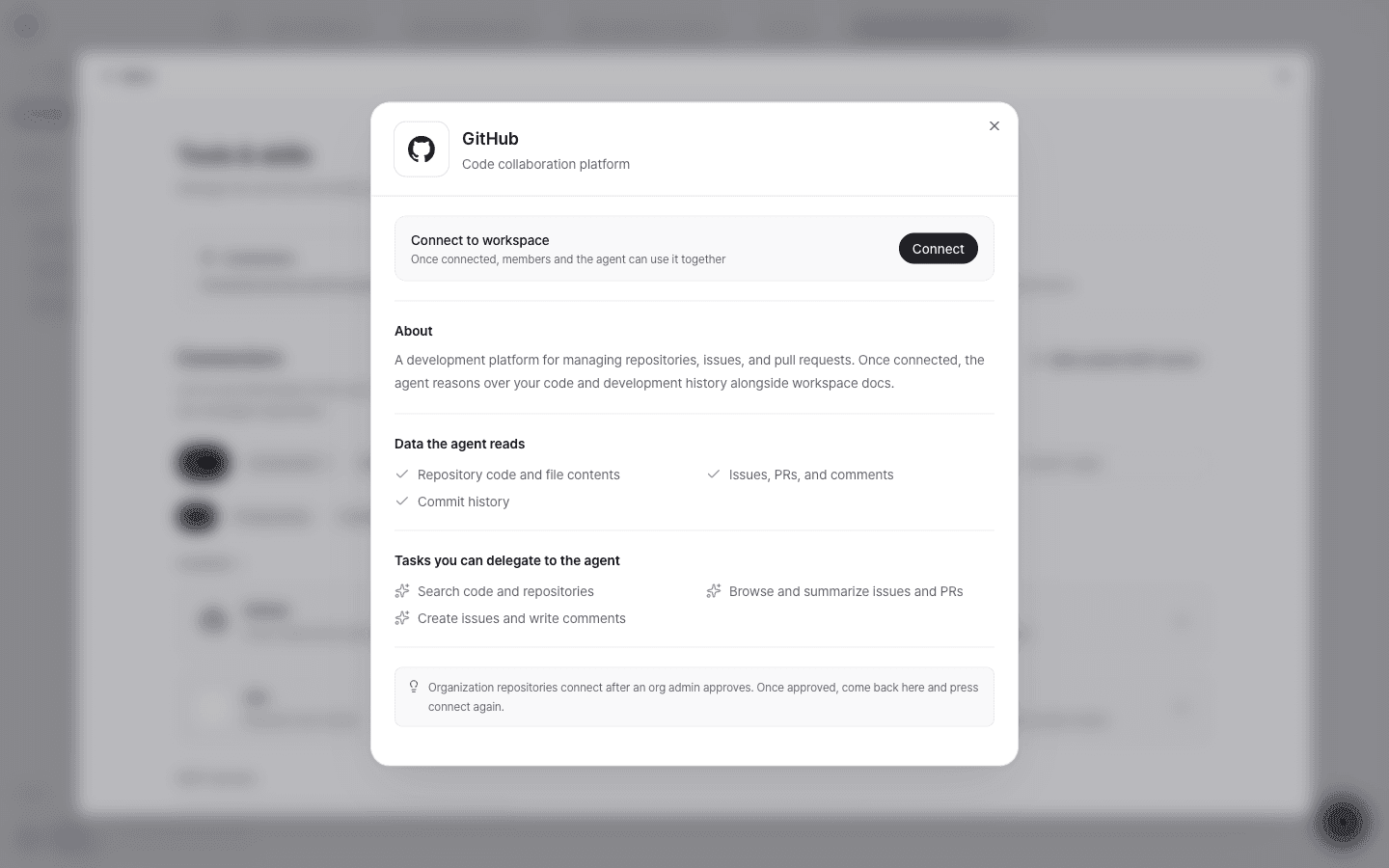
When you connect GitHub as a connector, the agent can read repository code and file contents, issues, PRs, and comments, and commit history, and handle tasks such as searching code and summarizing issues and PRs.
Connect multiple repositories
You can add multiple sources to a single document project. In the Sources section of project settings, add or remove the repositories and branches used as evidence for your docs. You can assign a role to each source.
Trigger on push
Turn on Trigger on push for a source to have Specify prepare proposed document updates whenever you push code to that branch. For detailed settings, see Automation settings.
Troubleshooting
| Symptom | What to check |
|---|---|
| Repositories fail to load | Try again in a moment, or use Enter manually to type owner/repo. |
| No repositories are available | Check that the selected GitHub account has repositories where Specify access is allowed. |
| No branches are available | Check that the repository has branches and that you have access to it. |
| Organization repositories don't appear | Confirm the organization admin has approved the request, then select reconnect. |