
Knowledge & Search
Use RAG to search clauses from standards such as IEC 62304 and ISO 14971 and write accurate docs with evidence and citations.
What matters in regulatory documents isn't plausible-sounding prose but which clause of which standard each statement is based on. Specify includes a standards library of clauses from standards for medical device software, risk management, and cybersecurity. While the agent writes a document, it searches this library with RAG and cites the clauses it finds.
Included standards
| Standard | Edition | Area |
|---|---|---|
| IEC 62304 | ed1.1 (2015, consolidated) | Medical device software life cycle processes |
| IEC 62366-1 | ed1.1 (2020, consolidated) | Usability engineering for medical devices |
| IEC 82304-1 | ed1.0 (2016) | Health software product safety |
| ISO 13485 | 2016 | Medical device quality management systems |
| ISO 14971 | 2019 | Medical device risk management |
| ANSI/AAMI SW91 | 2018 | Health software defect classification |
| AAMI TIR57 | 2016 | Medical device security risk management |
| AAMI TIR97 | 2019 | Postmarket security risk management |
| AAMI CR510 | 2021 | Use of public cloud for quality systems and medical devices |
| ISO/IEC 29147 | 2018 | Vulnerability disclosure |
| ISO/IEC 30111 | 2019 | Vulnerability handling processes |
The earlier IEC 62304 ed1.0 (2006) is also searchable if you specify the edition. The standards' original text is in English and is indexed clause by clause.
How accurate documents get written
When the agent writes developer docs in an area a standard covers, it follows these rules.
Search standard clauses for each section
Before writing each major section, it first searches for the standard clauses that apply to that topic. When it knows the relevant standard, it narrows the search to that standard.
Cite only clauses it searched
When a requirement is based on a standard clause, it cites the clause as a link, for example
IEC 62304 ed1.1 §5.2.2. It cites only clauses it actually searched in this conversation and never makes up clauses.Paraphrase in its own words
Instead of copying long passages from a standard, it paraphrases them to fit the document's context. Only short parts, such as defined terms, are quoted in quotation marks.
Distinguish normative from informative
Informative clauses, which aren't mandatory, are written as recommendations rather than requirements.
Mark [GAP] when there's no evidence
Content it can't find a supporting clause for is marked
[GAP]so a person can check it.Finish with a referenced standards table
At the end of the document, it adds a Referenced standards section with a table of each standard, edition, and the clauses cited.
If you specify the edition you're certifying against (for example, "based on IEC 62304 ed1.0"), it searches against that edition.
Check citations in documents
In documents and chat, standard citations appear as chips labeled with the clause (for example, IEC 62304 ed1.1 §5.2.2). In chat, select a chip to see the standard, edition, and clause title.
- Citations of a superseded edition are marked Superseded edition.
- References to clauses that aren't in the library are marked This standard is not in the library., so you can spot them right away.
- Because of licensing, the standards' original text can't be viewed in Specify. Check the original text in the standards documents you own.
Start with the medical device document pack
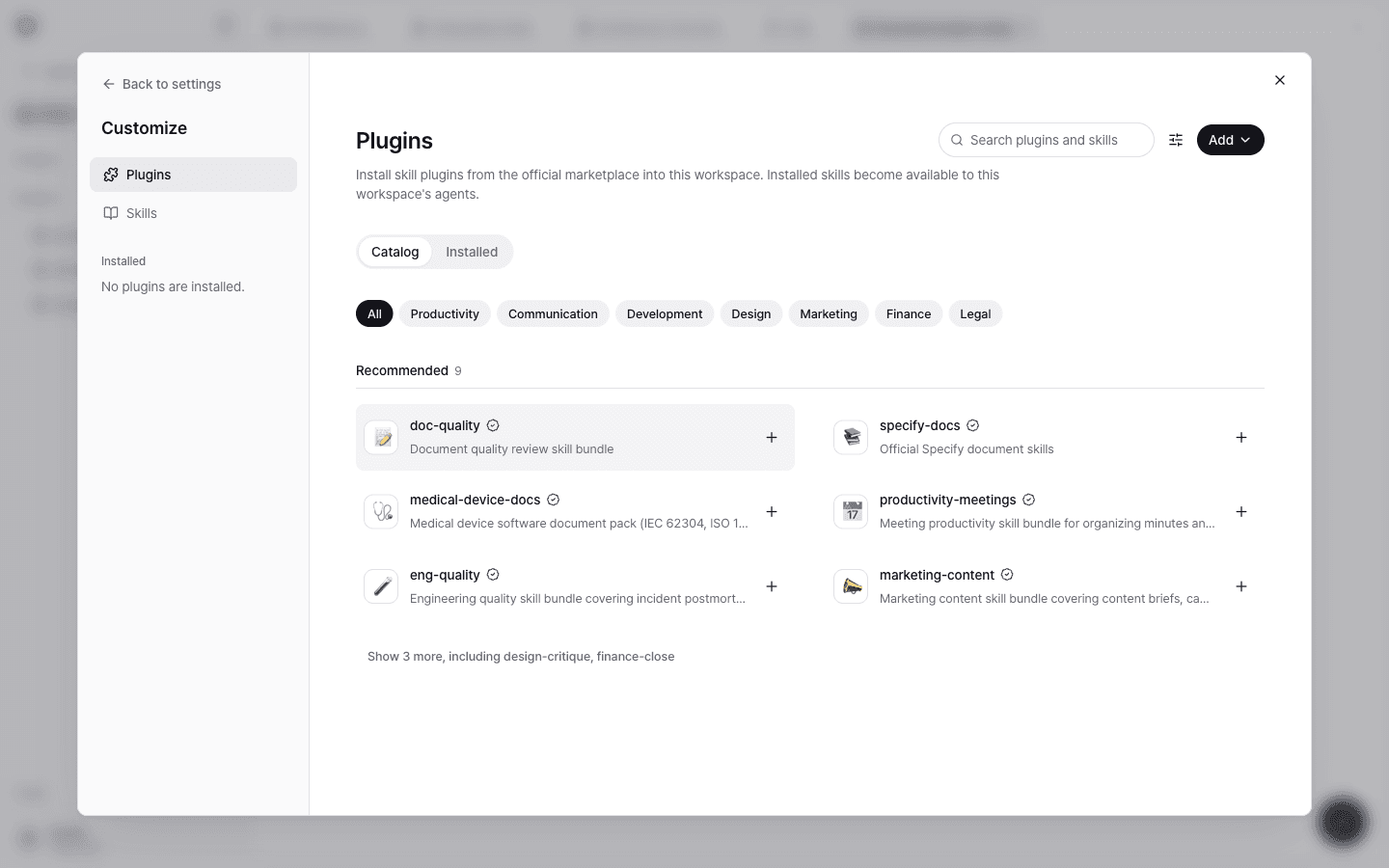
Install medical-device-docs from Plugins to get 10 skills that write documents grounded in standards.
| Skill | Document it creates | Standards it's based on |
|---|---|---|
| certification-profile-intake | Collects the certification profile (product, safety class, and more) | — |
| sw-development-plan | Software development plan | IEC 62304 §5.1 |
| sw-requirements-spec | Software requirements specification | IEC 62304 §5.2, ISO 14971 §5.2 |
| sw-architecture-design | Software architecture design | IEC 62304 §5.3 |
| sw-safety-classification | Software safety classification | IEC 62304 §4.3, §7.1 |
| sw-soup-list | SOUP list | IEC 62304 §5.3.3, §5.3.4, §7.1.3, §8.1.2 |
| sw-risk-management-plan | Risk management plan | ISO 14971 §4.4, IEC 62304 §4.2, §5.1.7, §7 |
| sw-usability-plan | Usability engineering plan | IEC 62366-1 §5 |
| sw-cybersecurity-risk | Cybersecurity risk management document | AAMI TIR57 |
| pack-gap-review | Gap review report for missing items in the document pack (read-only) | — |
Choose any of these skills as a document skill in a document project, and it generates documents grounded in both your GitHub code and standard clauses. Items get IDs, such as REQ for requirements and ARCH for architecture, so they can be traced.
Generated documents are drafts that need expert review before submission. Only confirmed certification profile values are written as facts, and everything else is left as [GAP]. Items that require judgment, such as the safety class, aren't decided arbitrarily until they're confirmed.
Availability
Standards library search is rolled out in stages, subject to standards license verification. If standards search isn't available in your workspace, the agent writes documents grounded only in your workspace materials, without standard citations. To ask about availability, contact support@specify.app.