
Knowledge & Search
How AI searches your workspace's docs, files, and connected sources to ground its answers and the docs it writes.
Before Specify's AI answers a question or writes a document, it searches your workspace's materials and uses what it finds as evidence. Generating answers from retrieved materials this way is called RAG (Retrieval-Augmented Generation). There's nothing to set up: the docs you write and the files you upload become team knowledge that AI can find.
What gets searched
| Source | Description |
|---|---|
| Workspace documents | Text documents in Explorer. Titles and bodies are indexed. |
| Uploaded files | PDF, DOCX, DOC, CSV, XLS, XLSX, TXT, MD, and HTML files uploaded as external nodes (up to 50MB) |
| Slack messages | Messages in public channels, if you've connected the Slack connector |
| Standards library | Standard clauses referenced when writing documents. See Standards library. |
The following aren't indexed.
- Documents and files moved to the trash. Deleting an item also removes it from the search index, and restoring it indexes it again.
- Documents with no content
- Non-text items
Past conversations and agent memory are managed separately from the document index. When needed, AI references them with other tools such as conversation history search and memory.
When indexing takes effect
When you save a document or upload a file, indexing starts in the background. Changes usually show up in search within a few minutes, and can take longer when work piles up, such as during bulk uploads. You can check the Embedding Status in an uploaded file's details.
| Status | Meaning |
|---|---|
| Pending | Waiting to be indexed |
| Indexed | Available in search |
| Stale | The content changed and will be indexed again |
| Failed | Couldn't be indexed. Select Retry. |
| Removing · Removed | A deleted item is being removed from the index · has been removed |
How search works
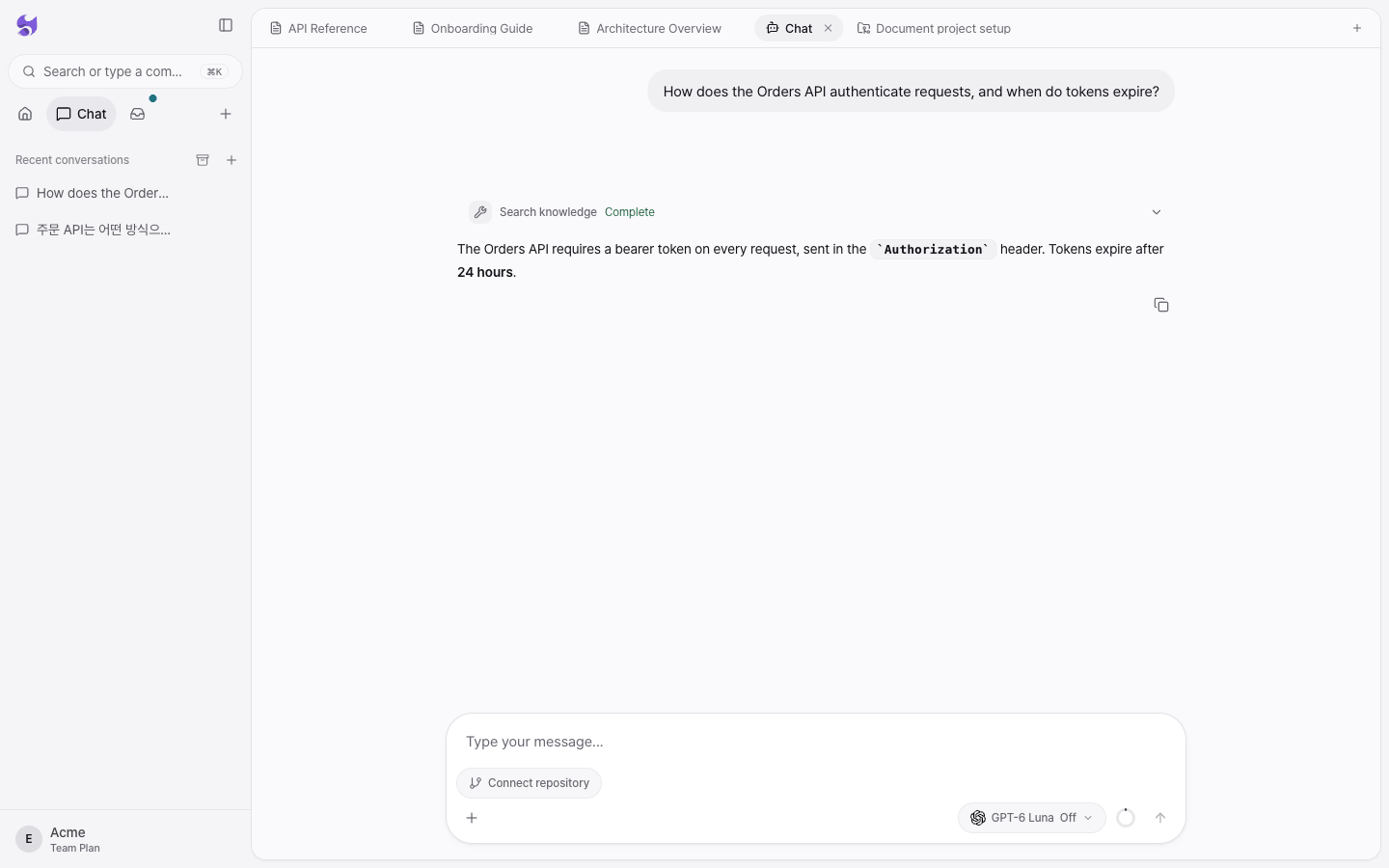
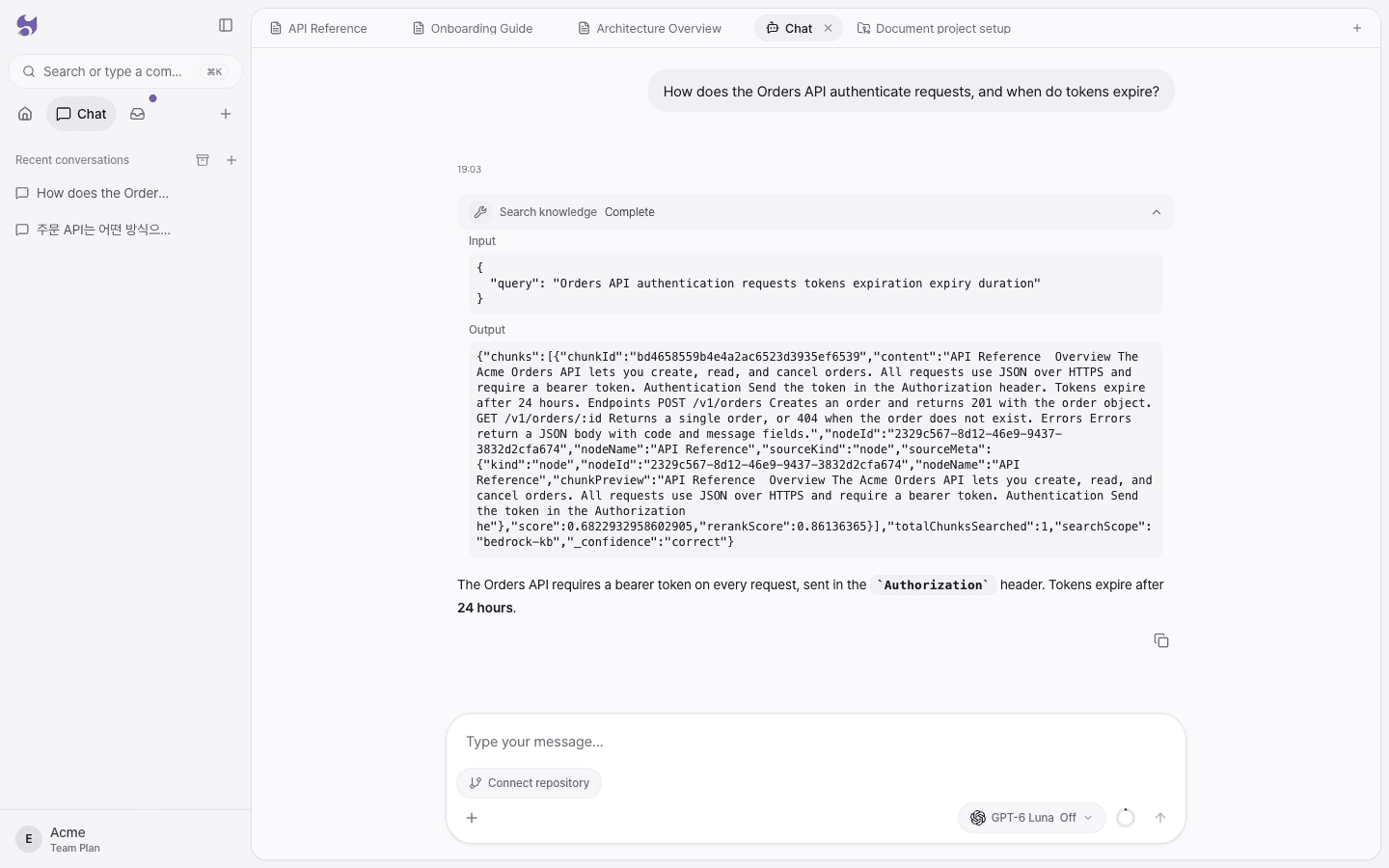
- When AI receives a question, it writes a search query and sends it to the Search knowledge tool.
- Search looks for semantically similar chunks in an index that splits documents into chunks of about 300 tokens.
- The chunks it finds are reranked by relevance and passed to AI.
- AI answers based on the contents of the chunks and shows links to the documents it used as evidence.
In chat, expand the Search knowledge row to see the actual query, the chunks found, and their relevance scores.
Permissions and data isolation
- Search always runs only within the current workspace. Materials from other workspaces aren't searched.
- You can't search a workspace you're not a member of.
- The same workspace scope applies when a coding agent searches with the
searchtool through MCP. - Knowledge search also uses the AI budget, so search stops when the budget is used up.
How it's used when writing docs
When you have AI write a document in a document project or in chat, it searches for the materials each section needs and writes from your workspace's actual content (code explanations, decision records, existing docs). That's why the result matches your team's facts rather than generalities. AI is instructed not to make up content it can't find evidence for.
Tips for better search
- Use specific titles. "Payment retry design decision" is easier to find than "Notes."
- Write one topic per document. When topics are mixed, chunk relevance drops.
- Upload Korean text files as
.md..txtfiles that contain Korean text may fail to be recognized. - Include proper nouns in your questions. Service names, API paths, and document names improve search accuracy.
- Requests for a full list, such as "List every document," are handled by browsing documents instead of search. Ask about a specific topic.